
Sublustrum System Requirements: Minimum and Recommended
Compare official Sublustrum PC requirements: CPUs, RAM, GPUs, DirectX and storage, plus the publisher’s 720p/30 and 1080p/60 performance targets.
FAQ
How much RAM does Sublustrum need?
How much free disk space is required?
Does Sublustrum require an SSD?
Can I play on Linux or Steam Deck?
What are the official minimum and recommended specifications?
The table below transcribes the hardware requirements published on the official Steam page, checked October 13, 2026. It concerns the upcoming reimagining, not the much older Outcry executable.
| Component | Minimum | Recommended |
|---|---|---|
| Operating system | Windows 10, 64-bit | Windows 11, 64-bit |
| CPU | Intel Core i5-7400 / AMD Ryzen 5 1600 | Intel Core i5-9600K / AMD Ryzen 5 3600 |
| Memory | 8 GB RAM | 12 GB RAM |
| Graphics | GeForce GTX 1060, 3 GB VRAM / Radeon RX 580, 4 GB VRAM | GeForce RTX 2060 Super / Radeon RX 5700 or above |
| DirectX | Version 11 | Version 12 |
| Available storage | 10 GB | 15 GB |
| Sound device | DirectX-compatible | DirectX-compatible |
| SSD | Strongly recommended | Strongly recommended |
| Publisher’s stated target | 720p at 30 FPS | 1080p at 60 FPS |
The FPS figures are publisher targets, not independent benchmarks. They do not establish a graphics preset, a guaranteed frame rate in every scene, or the behavior of every laptop with a similarly named GPU.
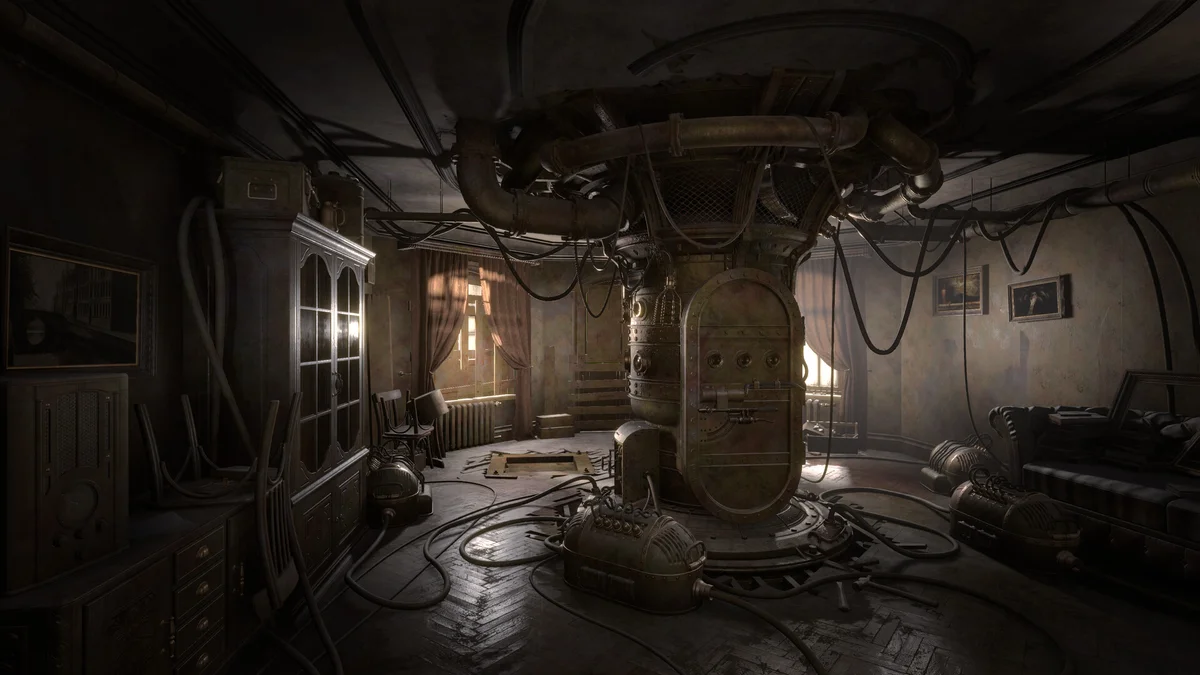
Official promotional screenshot. It illustrates the remake’s environment, not a test of either hardware tier.
How should you compare your PC?
Compare the individual parts, not just whether your computer is described as a “gaming PC.” Check the exact CPU and graphics-card model, system RAM, GPU memory and Windows version. A desktop GPU name is not automatically equivalent to the laptop version of the same family.
The minimum GPU alternatives have different listed memory capacities: 3 GB for the GTX 1060 and 4 GB for the RX 580. Preserve that detail when comparing a lower-memory card. The recommended tier also specifies a different DirectX version and operating system; a strong GPU alone does not establish that the whole system meets that tier.
Before requesting access, confirm you are following the current playtest instructions. If your hardware is below the published floor, this site cannot promise a settings combination that makes it work. We have not tested a “best FPS settings” preset and will not invent one.
Is the storage figure the download size?
No. The table lists available storage requirements. The compressed download and installed public-test size can differ from those figures and from the full game. Use the installation information shown by Steam for your current package. Leave room for installation and updates according to Steam’s prompts; we do not have a measured temporary-space requirement to quote.
The SSD wording also matters. “Strongly recommended” should not be rewritten into “HDD unsupported” without a separate source. It is useful guidance from the publisher, but not a benchmark of a particular drive.
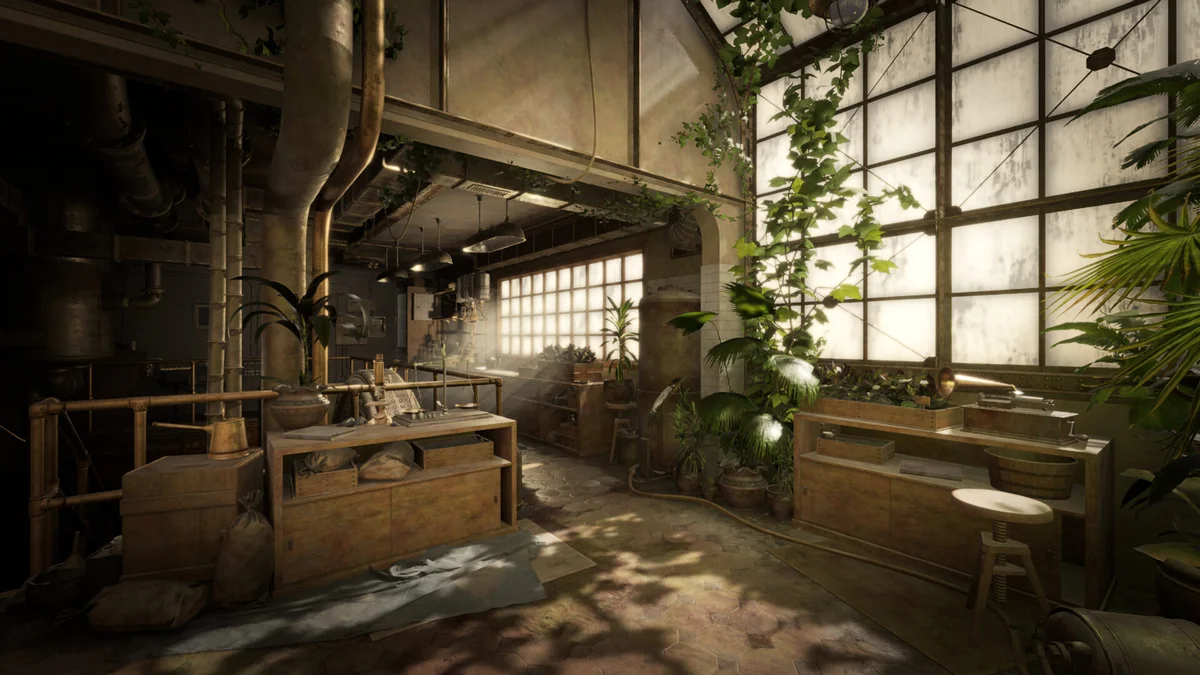
Official image. No graphics preset or benchmark result is attached to this scene.
What about Steam Deck, macOS or consoles?
Steam’s platform flags currently list Windows. No native macOS or Linux support was confirmed in this check. A compatibility-layer report would need its own device, software version and measured outcome before becoming advice here. We also have no verified Steam Deck performance result.
Xbox has an official product listing, but PC specifications are not console requirements. For console evidence and release timing, use the platform-status page. For the 2008 edition, read the Outcry comparison; do not apply its older requirements to the new 3D game.
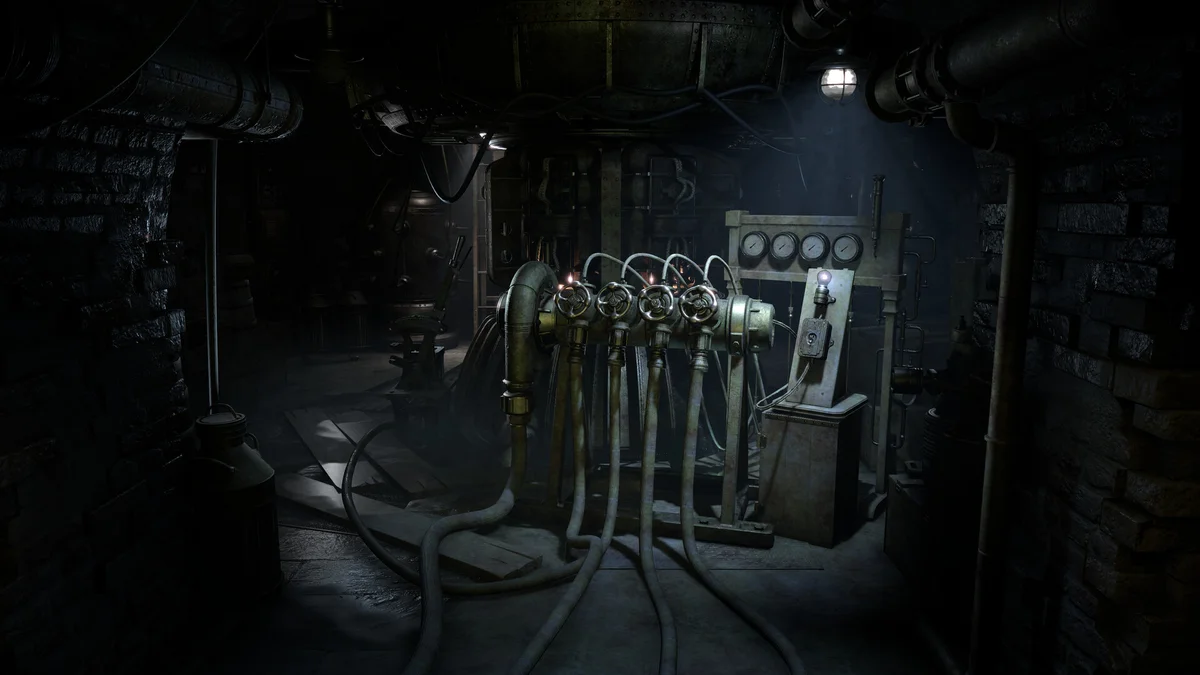
Official Steam promotional image, Brickworks Games / HypeTrain Digital.
When technical access is settled, the puzzle help index is the next useful page. Puzzle failure and performance problems require different evidence: a wrong slider setting is not a hardware compatibility test.
Related Articles
guides
Sublustrum Cooling Puzzle: Valve Hints and Source Check
Check the missing wheel, valve clues and disputed 6-0-2-3 sequence in Sublustrum's playtest cooling puzzle, with clear limits and community sources.
guides
Sublustrum Fourth Valve: Where to Find the Missing Wheel
Find the missing fourth cooling valve in the Sublustrum playtest: the apartment's high cabinet and Echophone scan, with dated community sources.
guides
Sublustrum Piano Puzzle: Playtest Slider Solution
Set the piano sliders to 2, 5, 7, 5, 4 with this community-reported Sublustrum playtest solution, including counting and chamber hints.
Was this helpful?
Thanks for the feedback!